Can You Trade on TradingView? Supported Brokers Explained
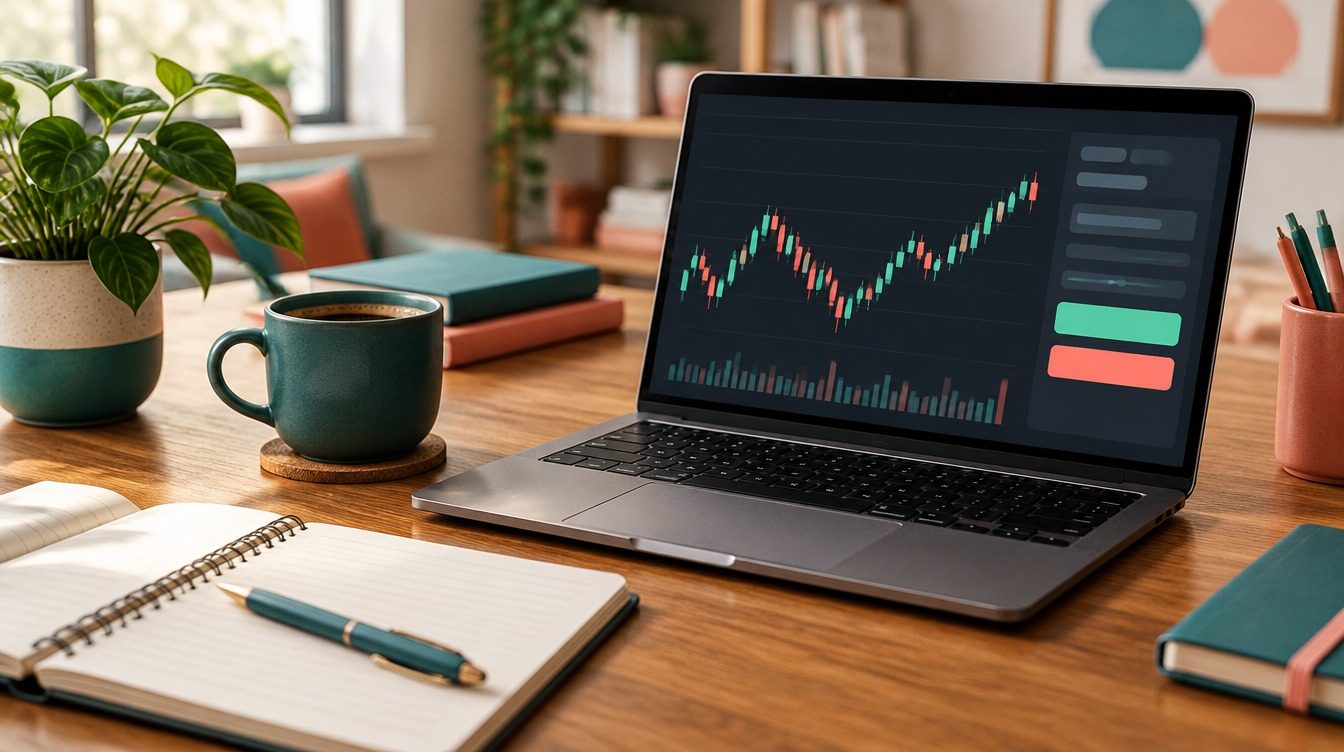
Short answer: yes, you can trade on TradingView, but only through a broker you connect to it, or with simulated money in Paper Trading. TradingView itself does not hold your money or execute orders; it acts as the interface. Once a supported broker is linked, you can place, modify and close orders straight from the chart.
Can you trade on TradingView?
TradingView started life as a charting and social platform, and that is still what most people use it for. Over the years it has added a Trading Panel that lets you route orders to an outside broker without leaving the chart. TradingView's own help centre is clear about the division of labour: "TradingView doesn't process your trades and acts as an interface only."
That means three things in practice:
- Your account lives with the broker. You deposit money with them, they hold your positions, and their fees, margin rules and protections apply.
- TradingView sends the instructions. The order ticket, chart buttons and Depth of Market panel pass your order to the broker over the connection you authorised.
- No broker, no live trading. Without a connected account you can still chart, set alerts and practise, but you can't buy or sell anything real.
If you only want to practise, every TradingView user, including those on the free Basic plan, can use Paper Trading with virtual funds. Our step-by-step guide to paper trading on TradingView covers setting it up, the order types it supports and its limits.
How to trade on TradingView with a broker
The connection process is short. TradingView's help centre describes it like this, and the steps have stayed broadly the same for some time, though button labels can change:
- Open a chart in Supercharts.
- Click the Trade button in the upper-right corner, or open the Trading Panel at the bottom of the screen.
- Choose your broker from the list. If you don't have an account yet, most brokers let you open one from their profile page.
- Log in with your broker credentials and approve the connection.
- Check the account selector shows the right account (live or demo) before you place anything.
Once connected, there are four main ways to place an order: the order ticket, buy and sell buttons on the chart itself, keyboard shortcuts, and the Depth of Market (DOM) ladder for instruments where your broker supplies it. You can usually drag stop-loss and take-profit lines directly on the chart, which is the feature many traders switch for.
TradingView itself suggests starting in Paper Trading before going live, and that's sensible advice. Chart trading makes it very easy to click the wrong side or drag a stop to the wrong level, and it's better to find that out with pretend money.
Which brokers work with TradingView?
TradingView keeps a directory of integrated brokers, filterable by stocks, crypto, forex, futures, ETFs and options. In November 2026 it listed 33 brokers. The table groups some of them by what they mainly offer; several cover more than one market, and the list changes as brokers are added or dropped.
| Market | Examples listed on TradingView |
|---|---|
| Futures | NinjaTrader, Tradovate, AMP Futures, Optimus Futures, EdgeClear, StoneX, Ironbeam, Dorman Trading |
| Forex | FOREX.com, OANDA, tastyfx |
| Stocks, ETFs and options | TradeStation, Webull, tastytrade, moomoo, Public, Alpaca, TradeZero, Fidelity Investments, Tradier Brokerage |
| Crypto | Kraken, Coinbase Advanced, OKX, Gemini, Bitstamp, Crypto.com Exchange |
| Multi-asset | Interactive Brokers (stocks, options, futures, forex, bonds, crypto) |
Two caveats. First, availability depends on where you live: a broker in the directory may not accept clients from your country, or may offer different products to different regions. Second, the integration may not cover every product a broker sells, so check what you can actually trade through TradingView, not just what the broker offers on its own platform. The current list is on TradingView's broker directory, where each broker has user ratings and reviews.
What is the best broker to use with TradingView?
There isn't a single best broker; it depends on what and how you trade. These are the questions that narrow it down:
- What market? Futures traders need a futures commission merchant or introducing broker; forex traders need a regulated forex dealer; stock traders need a securities broker. Few brokers do all of it well.
- Where are you based? Regulation decides what you can access. US retail forex leverage, for example, is capped at 50:1 on majors, while UK and EU retail CFD limits run from 30:1 down to 2:1.
- Total cost. Add up commissions, spreads, exchange and platform fees, and any market data charges. For futures, per-contract costs matter far more than headline marketing.
- Order types and DOM. If you scalp futures around the open, check that bracket orders and the DOM work fully through the integration.
- Regulation and protection. Check the firm on its regulator's register. In the US, BrokerCheck covers securities firms and the NFA covers futures and forex firms.
Reading the reviews on each broker's TradingView profile is useful for spotting connection or execution complaints, but treat star ratings as one input, not a verdict.
Does it cost extra to trade on TradingView?
Two sets of costs apply when you trade through TradingView. The broker charges its normal commissions and spreads. And the TradingView plan you're on sets your charting limits: the free Basic plan allows one chart per tab and two indicators per chart, while paid plans start at $12.95 a month billed annually. Our breakdown of TradingView's free and paid plans lists what each tier adds.
Real-time data is a separate question. Some exchanges charge for live data, and how that data reaches your charts depends on your plan, your broker and the exchange. Check before assuming the prices on your chart are live.
Day trading through TradingView
Many people who ask whether you can trade on TradingView want to day trade from its charts. The platform handles that fine, but the rules come from your broker and regulator. In the US, the pattern day trader designation and its $25,000 minimum were removed by FINRA's new intraday margin rules, which took effect on 4 June 2026. Brokers have until 20 October 2027 to move over, so some may still apply the old limits for now. A $2,000 minimum still applies to margin accounts. Check how your own broker has implemented the change.
Before you start
Trading from charts is fast, which is the point and also the risk. Practise in Paper Trading first, confirm which account is selected before every session, and set a maximum loss per trade before you click. Leveraged products such as futures and forex can lose more than you expect very quickly.
FAQs
Is TradingView a broker?
No. TradingView is a charting and analysis platform that connects to outside brokers. It doesn't hold client money or process trades; the broker you link does that.
Can you trade on TradingView for free?
You can paper trade for free on any plan, including Basic. Live trading always costs something, because the broker you connect charges its normal commissions, spreads and any data fees.
Can you trade futures on TradingView?
Yes, through an integrated futures broker such as Tradovate, NinjaTrader, AMP Futures or Interactive Brokers, depending on your country. You also need any exchange data subscriptions your broker requires.
Can you trade on TradingView in the UK?
Yes, if you connect a broker that accepts UK clients and is authorised by the FCA. Check the broker's own site for which products it offers UK residents, as they often differ from its US offering.
Why can't I see the Trade button?
The Trading Panel can be hidden or minimised. Look for the panel tabs at the bottom of the chart, or the Trade option at the top right, and reopen it from there.
For education only, not financial advice. Futures, forex and stock trading involve substantial risk of loss.